
To add your employees to your team, you'll use Invite button from the Employer Module following the steps below: (Note: Links for all items are noted in the Important Links article in the Knowledge Base)
- Select My Team
- Select Invite

- if you are the admin for multiple networks, select the preferred option from the dropdown menu
- enter the employee's email address
- select Send Invite
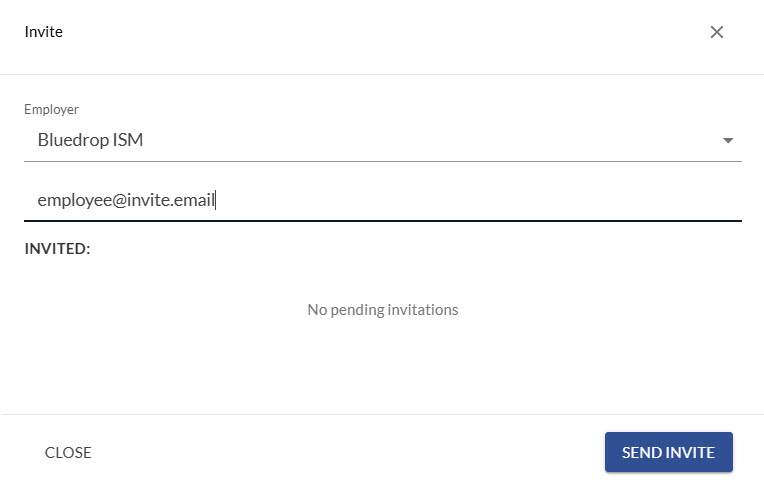
- employees will show under Pending invitations until they accept. Once they do, they will be added to your team. You can resend invitations from the pending list
*employees will receive a notification when they have been added to your network